Sponsored

Spying on you?

Sporky McGeuschky

Senior Member
First Name
Sporky
Joined
Feb 21, 2025
Threads
7
Messages
548
Reaction score
508
Location
Central Texas
Vehicle(s)
'25 Civic Type R, Dory Blue and Satin White
Build Thread
Link
To hell with all this Big Brother crap. I’m building a Flux Capacitor, and I’m out. Wait till they see the FL5 in 1960!
"Where we're going... the government doesn't blow chodes."
Sponsored


tc0566

Member
First Name
Jim
Joined
Mar 14, 2026
Threads
0
Messages
6
Reaction score
3
Location
Canton, Ohio
Vehicle(s)
2025 Honda Civic Type R
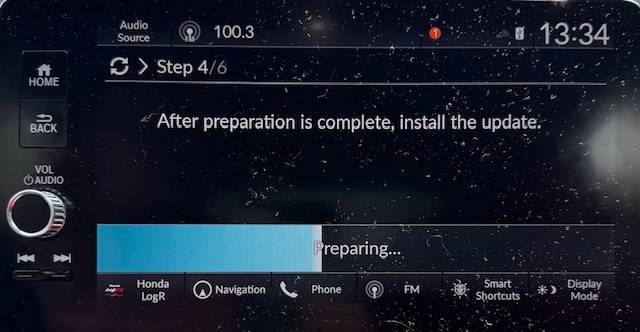
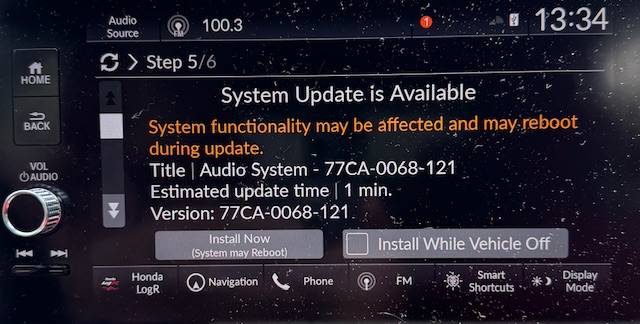
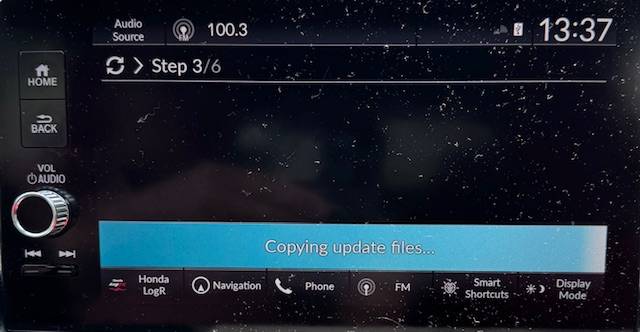
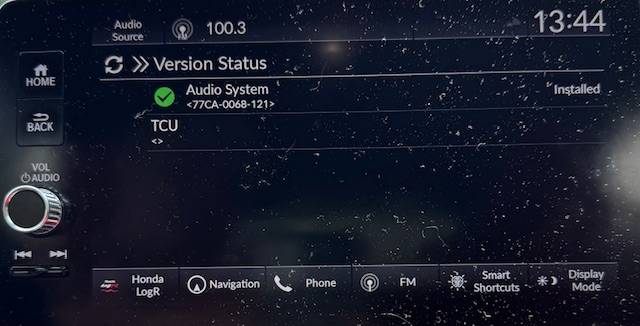
Did you try using a FAT32 formatted USB drive to then follow the steps to update via USB on the car? If so, a JSON file should have been copied to the drive where you then remove the USB drive, insert it into a computer and upload the JSON file via usb.honda.com.

If there is an update available, download the ZIP file and save it in the "HondaSoftwareUpdates" folder. Return to the car, reinstall the USB drive and follow the prompts on the screen to complete the update. After completion, a report is saved as a JSON file and the software is updated on the car. Return to your computer, install the USB drive and upload the JSON report to usb.honda.com.

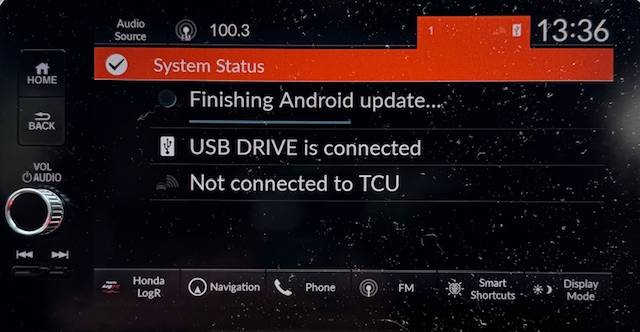
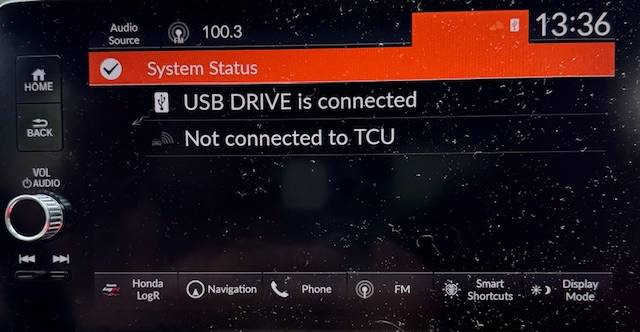
I am not sure what step failed when you attempted, but give the above a try. I just updated mine via USB without having to reconnect the TCU.

IMG_1697.jpg

IMG_1699.jpg

IMG_1700.jpg

IMG_1701.jpg

IMG_1702.jpg

IMG_1703.jpg
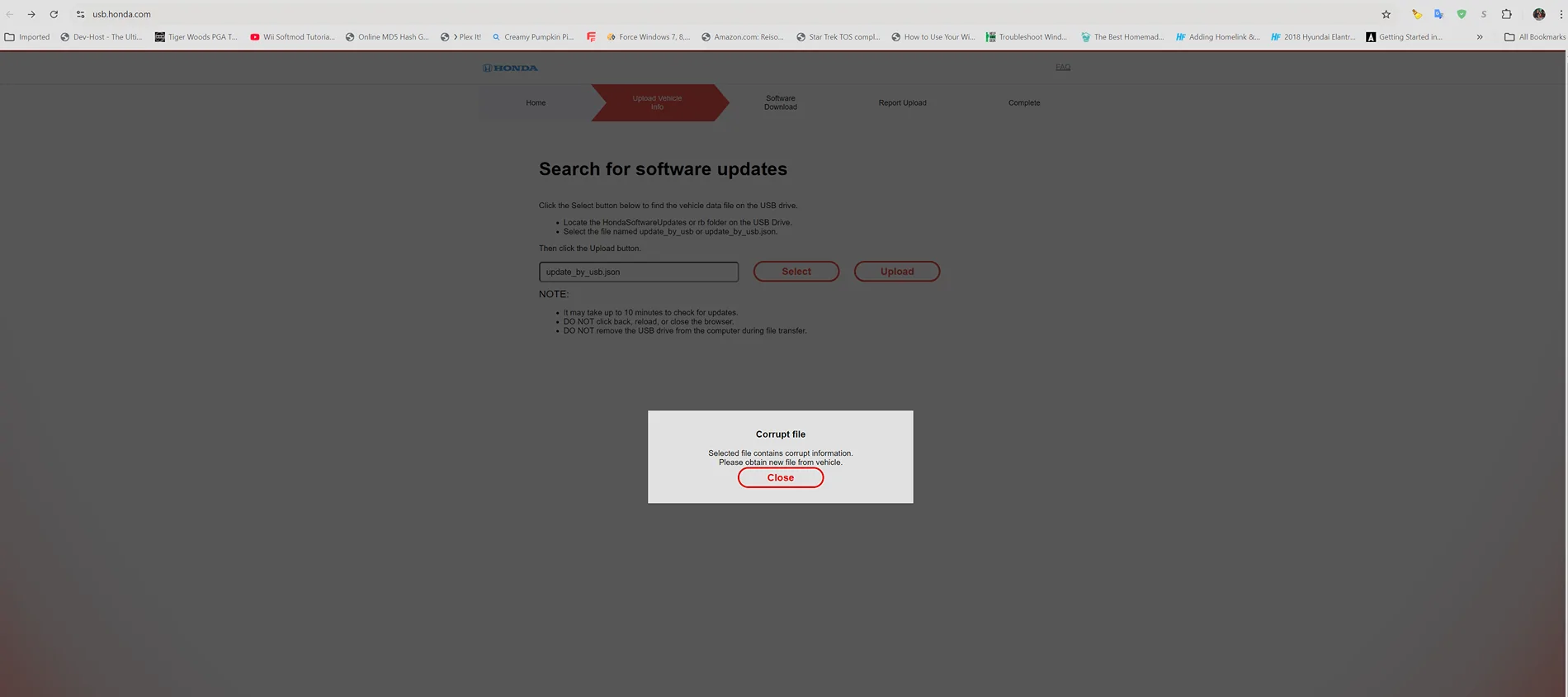
Everytime I try USB, the file copied to the drive says corrupt by the website. I've tried multiple drives, all 16GB drives formatted Fat32.

11th Gen Honda Civic Spying on you? Screenshot 2026-04-10 170637
 
Last edited:

0x1d7

Senior Member
Joined
Jan 25, 2026
Threads
6
Messages
62
Reaction score
33
Location
Washington
Vehicle(s)
2025 Civic Type-R
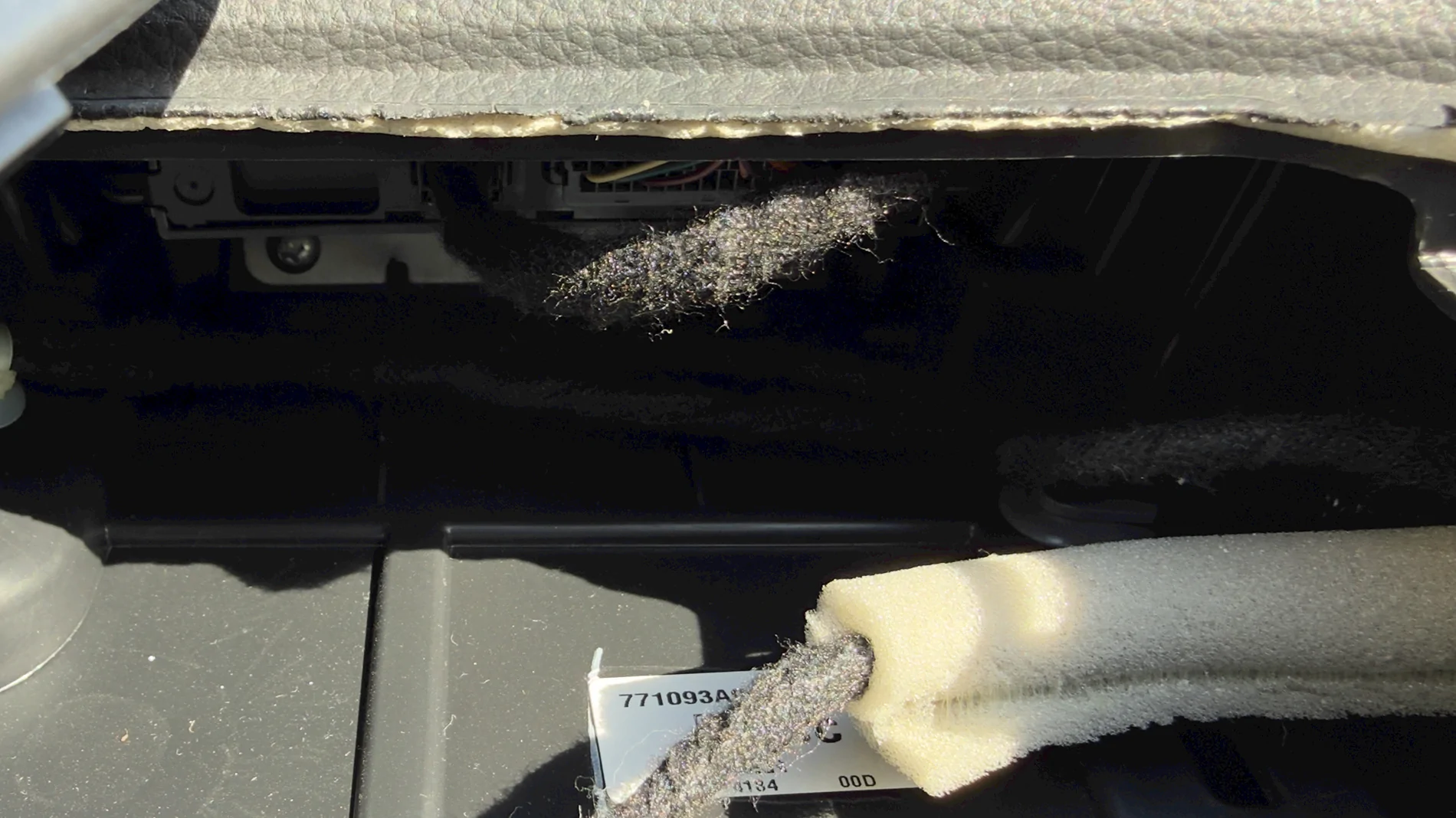
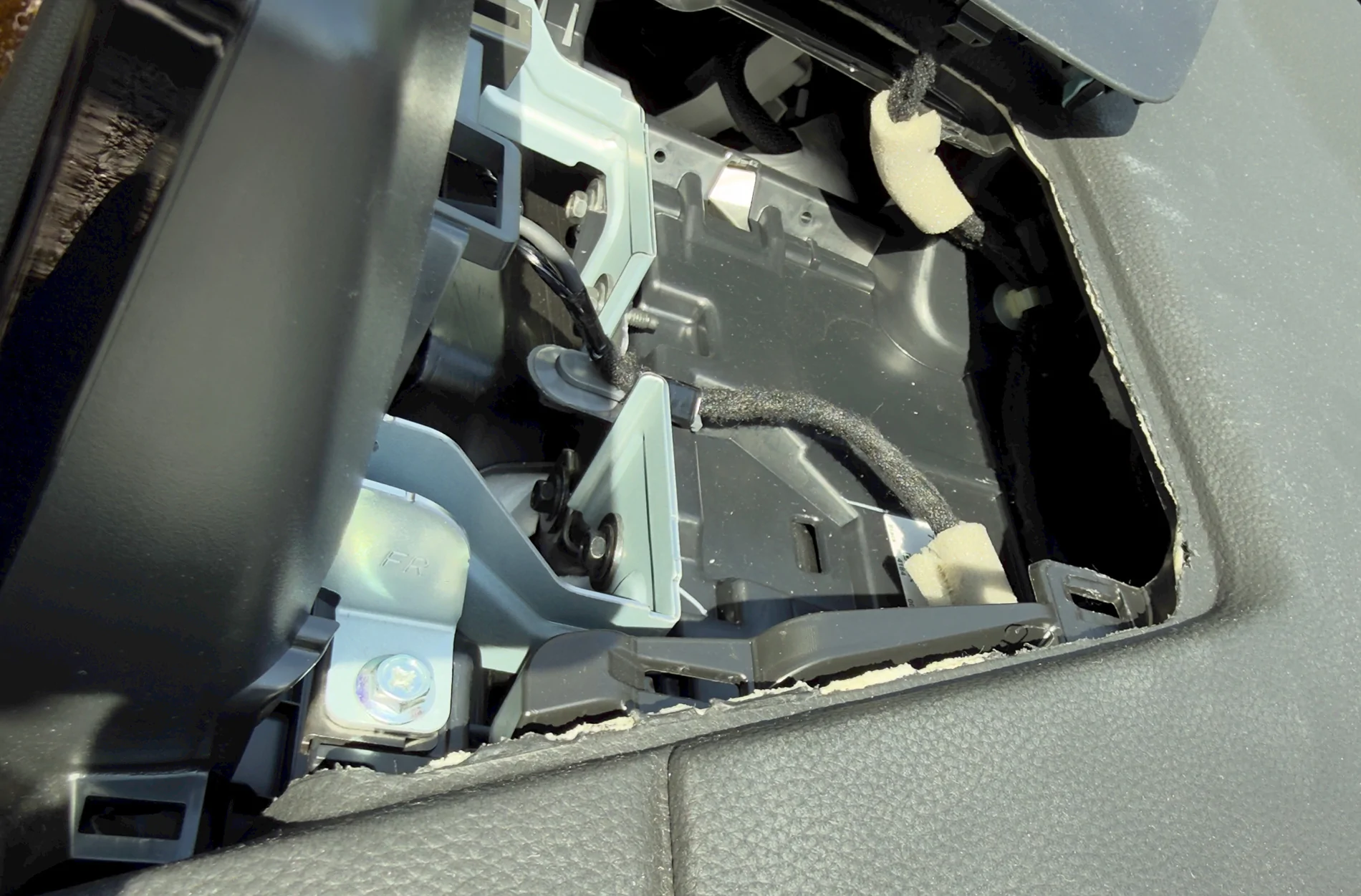
I pulled the TCU from my 2025 Type-R, super easy with some plastic spudgers. Also decided to remove the TCU on my 2025 Hybrid CR-V; start from the passenger side towards the window rather than the portions that surround the infotainment section. TCU is the same part # for both cars. I found the CR-V cables gummy; wear gloves.


Now I can finally remove the layers of tinfoil.

11th Gen Honda Civic Spying on you? image1
11th Gen Honda Civic Spying on you? image2
 

marcusm86

Senior Member
First Name
Marcus
Joined
Dec 20, 2025
Threads
3
Messages
143
Reaction score
103
Location
Missouri
Vehicle(s)
2025 Civic Type-R
Everytime I try USB, the file copied to the drive says corrupt by the website. I've tried multiple drives, all 16GB drives formatted Fat32.

Screenshot 2026-04-10 170637.webp
I can only guess its because it doesnt need an update.. ive tried mine as well with the same error.
 

tc0566

Member
First Name
Jim
Joined
Mar 14, 2026
Threads
0
Messages
6
Reaction score
3
Location
Canton, Ohio
Vehicle(s)
2025 Honda Civic Type R
I can only guess its because it doesnt need an update.. ive tried mine as well with the same error.
Problem is it can't check to see if it needs an update because the identifying info is in that corrupt file.


zumbooruk

Senior Member
Joined
Oct 19, 2024
Threads
5
Messages
484
Reaction score
405
Location
Ventura CA
Vehicle(s)
2025 FL5, 2014 Chevy Suburban (wife), previous 2007 FA5
I can only guess its because it doesnt need an update.. ive tried mine as well with the same error.
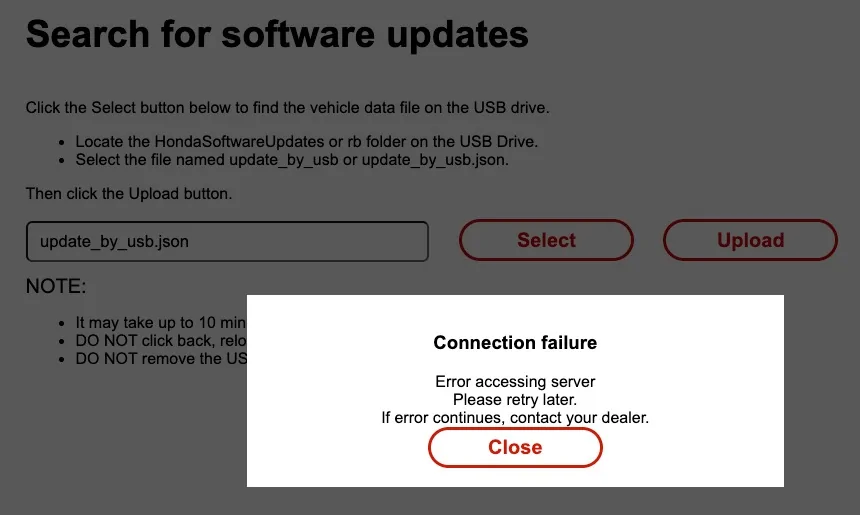
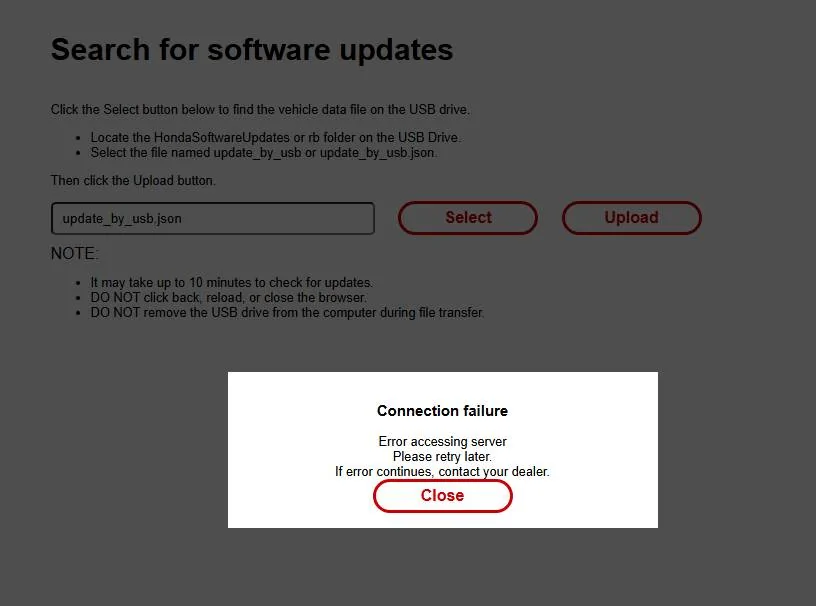
I started getting a new Connection error

The error is newish (I first saw it about four to five weeks ago)

when it does not need upgrade, there is a different message
 
Last edited:

zumbooruk

Senior Member
Joined
Oct 19, 2024
Threads
5
Messages
484
Reaction score
405
Location
Ventura CA
Vehicle(s)
2025 FL5, 2014 Chevy Suburban (wife), previous 2007 FA5
Problem is it can't check to see if it needs an update because the identifying info is in that corrupt file.
I've used the same file to check for updates for about a year now (file dated 6/5/25)

until a few weeks ago, it gave message that there was no update

recently, I keep getting a connection error

11th Gen Honda Civic Spying on you? 2026-05-20 at 10.06 AM
 

tc0566

Member
First Name
Jim
Joined
Mar 14, 2026
Threads
0
Messages
6
Reaction score
3
Location
Canton, Ohio
Vehicle(s)
2025 Honda Civic Type R
I've used the same file to check for updates for about a year now (file dated 6/5/25)

until a few weeks ago, it gave message that there was no update

recently, I keep getting a connection error

2026-05-20 at 10.06 AM.webp
Problem is without that file the website can't check to see if you have an update. That file contains the model number and the software version on your in dash stereo. I can't get the stereo to copy a good file to the USB drive.
 

zumbooruk

Senior Member
Joined
Oct 19, 2024
Threads
5
Messages
484
Reaction score
405
Location
Ventura CA
Vehicle(s)
2025 FL5, 2014 Chevy Suburban (wife), previous 2007 FA5
Problem is without that file the website can't check to see if you have an update. That file contains the model number and the software version on your in dash stereo. I can't get the stereo to copy a good file to the USB drive.
That's a different issue than what I am seeing. sorry, got confused.

I got the file from the car onto a USB drive

I was able to check for update until a few weeks ago

A few weeks ago I started getting the "Connection Failure" error above.

Which means that I cannot connect to the Honda server to even check/verify my file.
 

marcusm86

Senior Member
First Name
Marcus
Joined
Dec 20, 2025
Threads
3
Messages
143
Reaction score
103
Location
Missouri
Vehicle(s)
2025 Civic Type-R
So i used a different drive and the corrupt file did not have my VIN after the deviceID. But i am getting the connection error with the proper one.. This was failing on a 256GB drive partitioned to only a 30GB Fat32 partition - the rest was empty (no volume made). A 16gb flash drive with no partitions only formatted to FAT32 looks to get the right data.
{"deviceData":{"deviceID": "VIN GOES HERE"

This was with the non-corrupt file
11th Gen Honda Civic Spying on you? 1779307585497-f9


tc0566

Member
First Name
Jim
Joined
Mar 14, 2026
Threads
0
Messages
6
Reaction score
3
Location
Canton, Ohio
Vehicle(s)
2025 Honda Civic Type R
So i used a different drive and the corrupt file did not have my VIN after the deviceID. But i am getting the connection error with the proper one.. This was failing on a 256GB drive partitioned to only a 30GB Fat32 partition - the rest was empty (no volume made). A 16gb flash drive with no partitions only formatted to FAT32 looks to get the right data.
{"deviceData":{"deviceID": "VIN GOES HERE"

This was with the non-corrupt file
1779307585497-f9.webp
I've had multiple different drives 16gb fat32 come up as corrupt. Today was my first time getting in and didn't see corrupt files. But I have no idea if my previous files were actually corrupt. I never checked them to see what was in the file until today.
 

marcusm86

Senior Member
First Name
Marcus
Joined
Dec 20, 2025
Threads
3
Messages
143
Reaction score
103
Location
Missouri
Vehicle(s)
2025 Civic Type-R
I've had multiple different drives 16gb fat32 come up as corrupt. Today was my first time getting in and didn't see corrupt files. But I have no idea if my previous files were actually corrupt. I never checked them to see what was in the file until today.
I hooked mine up to a hotspot and it was up to date.. donno if that gives you peace of mind or not
 

zumbooruk

Senior Member
Joined
Oct 19, 2024
Threads
5
Messages
484
Reaction score
405
Location
Ventura CA
Vehicle(s)
2025 FL5, 2014 Chevy Suburban (wife), previous 2007 FA5
Thanks.

TCU removed, and I have not be able to check for an update the last few time

I am not losing sleep over it.

The update is only for the infotainment system related stuff such as:
Android OS
navigation (which I permanently disabled)
LogR which I rarely use
audio which I never listen to
etc.


Apple Carplay kept disconnecting.

I set it up for USB only, since I always connect my phone to the USB (older phone, battery nearly gone, needs to always be charged)

if/when there is an update that might resolve the Carplay connectivity, and if/when I get a new phone, I might update.
Sponsored


Top